Dweep Bhoomi & NGDRS Guide for Andaman Land Records
Complete guide to land records, Record of Rights,
mutation, survey information and property registration
in Andaman & Nicobar Islands.
⚠️ Disclaimer:
Andaman Blogs is an independent information platform
and is not affiliated with the Andaman & Nicobar
Administration. This guide helps users understand the
Dweep Bhoomi and NGDRS systems and provides access to
official government portals.
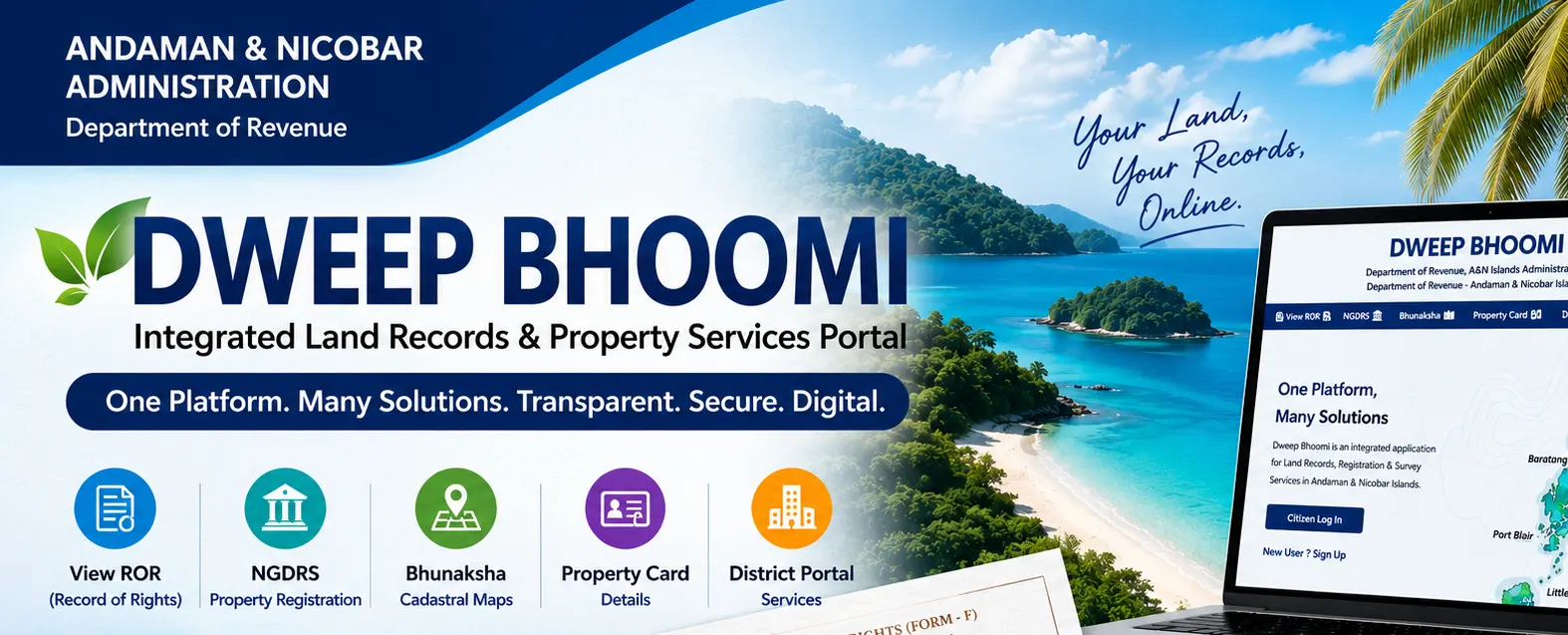
Managing land records and property registration
in the Andaman & Nicobar Islands has officially
gone digital. The Revenue Department has launched
Dweep Bhoomi, an integrated web
application designed to create an electronically
enabled backbone for the effective management of
land records across the Union Territory.
This single platform seamlessly integrates the
Revenue, Registration, and Survey departments.
Whether you need to view your Record of Rights
(RoR), apply for land mutation, or access digital
cadastral maps via Bhunaksha, everything is now
accessible from your smartphone or computer.
In this guide, we will walk you through the
essential services available on the portal,
how to view your land records, and the step-by-step
process for property registration using the NGDRS
system.
How to View Your Record of Rights (ROR)
You can easily view your official
Record of Rights (Form-F) online
without visiting the Tehsil office. The portal
allows you to pull up your land documents using
either your Survey Number or Holding Number.
📍 District
Select South Andaman, North & Middle
Andaman, or Nicobar district according
to your land location.
🏛️ Tehsil & Village
Select the appropriate Tehsil and village
under which your property is located.
🔢 Survey / Subdivision
Enter the exact survey or subdivision
information associated with your land.
💻 Computer Number
Enter the required computer number to
retrieve available land record information.
Available Online Land Services
Once logged into the Dweep Bhoomi dashboard,
citizens can apply for a wide range of essential
land management services directly from their
accounts.
📝 Mutation
Update ownership details in official land
records after a property sale, inheritance,
or legal transfer.
📏 Demarcation
Request official surveyors to accurately
define, measure, and mark physical land
boundaries.
✂️ Sub Division
Apply to officially divide larger land
parcels into smaller distinct units.
🔄 Diversion
Apply for changes related to designated
land use according to applicable rules.
🏦 Mortgage Entry
Register or manage land mortgage records
when taking a bank loan against property.
✍️ Owner Correction
Correct spelling mistakes, typographical
errors, or factual details in ownership
records.
NGDRS: Property Registration System
The
National Generic Document Registration System
(NGDRS)
is integrated into the property registration
workflow. It aims to make property registration
easier by reducing manual processes and helping
citizens complete registration-related activities
online.
Citizen Access
-
New Registration:
Create a personalized profile.
-
Online Booking:
View and book available appointments.
-
Document Upload:
Upload required documents digitally.
-
Checklists:
Review mandatory requirements before
applying.
Organization Access
-
Corporate Login:
Dedicated access for organizations.
-
Bulk Processing:
Streamlined workflows for multiple
property transactions.
-
Dashboard:
Track application status.
-
Stamp Duty:
Access applicable registration and
payment information.
How to Use Dweep Bhoomi
-
Open the official Dweep Bhoomi portal.
-
Select the appropriate citizen access or
login option.
-
Register your account if you are a new user.
-
Login using your User ID and Password.
-
Complete the required verification or Captcha.
-
Select the required land-related service.
-
Enter the required property and applicant
information.
-
Upload documents wherever required.
-
Submit the application and keep the reference
details for future tracking.
Official Access & Security
To apply for any service, use the official
government portal and verify that you are on the
correct government website before entering personal
information.
Dweep Bhoomi:
dweepbhoomi.andamannicobar.gov.in
NGDRS:
onlineregistrationani.gov.in
⚠️ Disclaimer:
Andaman Blogs is an independent informational
platform and is not affiliated with any government
organization. Information provided on this page is
for general guidance. Users should verify current
procedures, fees, documents, eligibility,
application requirements and portal availability
directly from the concerned government department
or official portal.